






| Flow of Copy Operations |
|
This section describes the flow of basic copy operations. |
| Remark |
|
 |
|
||||
 (Reset).
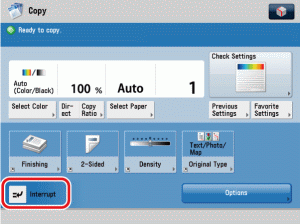
The Copy Basic Features screen is displayed.
|
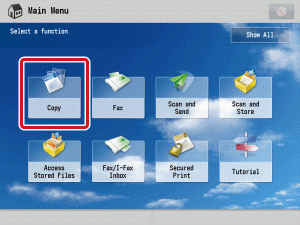
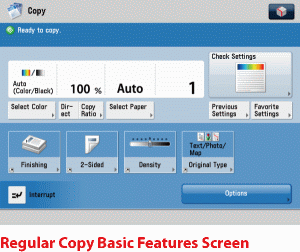
|
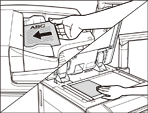
The paper size is recognized automatically. If the paper size recognized automatically is different from the paper size you want, press [Paper Select] → select the copy paper size. (See "Paper Selection." ) |
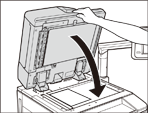
|
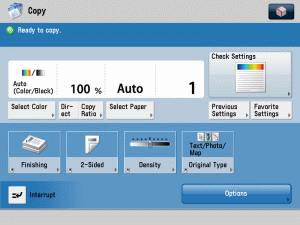
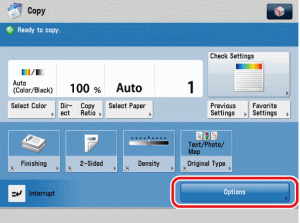
The Options screen is divided into three screens. Press [ |
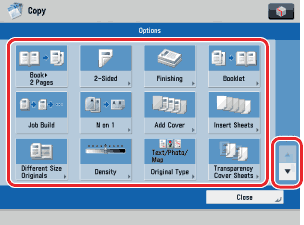
 ] or [
 ] to display the desired mode.
If you make a mistake when entering values, press The copy quantity appears on the right side of the Copy Basic Features screen.
|
 -
-  (numeric keys) to enter the desired copy quantity (1 to 9,999).
 (Clear) → enter the correct value.
If the following screen is displayed, follow the instructions on the touch panel display → press
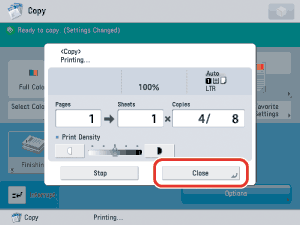
Copying starts.
|
 (Start).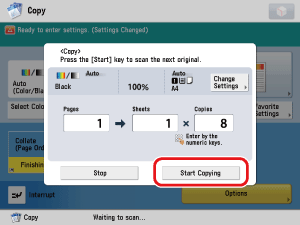
|
|
 (Stop).
|
|
|