



| HTTP Settings |
|
You can restrict the use of Remote UI. |
| Remark |
|
||||||
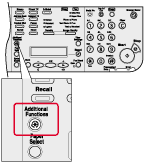 |
 |
|
 |
|
If the System Manager ID and System Password have been set, enter the System Manager ID and System Password using the numeric keys, then press [Log In/Out (ID)]. |
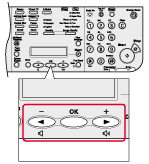
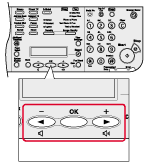
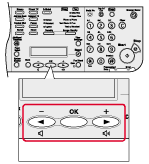
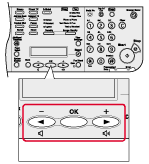
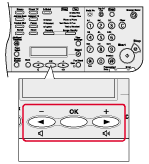
 ] or [
 ] to select <SYSTEM SETTINGS>, then press [OK].
 |
|
|
 |
|
|
 |
|
|
 |
|
|
 |
|
|
|
Turn off the machine, wait at least 10 seconds, and then turn it on. |