





Problem Solving
> Clearing Paper Jams
> Buffer Pass Unit-F1

| Buffer Pass Unit-F1 |
|
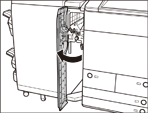
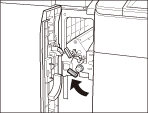
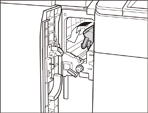
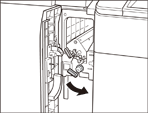
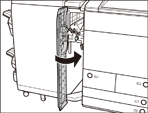
If a paper jam occurs inside the Buffer Pass Unit-F1, a screen prompting you to remove the jammed paper appears on the touch panel display. Check the location of the paper jam, and follow the procedure described below, and the procedure that appears on the touch panel display, to remove the jammed paper. |
| Remark |
|
|
|||||
|
|
|
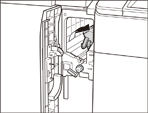
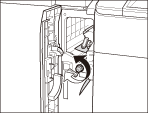
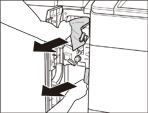
If the feed dial is turned to the right, the jammed paper comes out from the lower guide. If the feed dial is turned to the left, the jammed paper comes out from the upper guide.
Remove paper from upper and lower guides.
|
|
|
|
|