



| Setting Detail Information (E-Mail/I-Fax/File Server) (LASER CLASS 830i Only) |
|
You can set the document's name, a subject line, message body text, and reply-to address, and e-mail priority common to all sending jobs. The following settings will be effective when sending documents depending on the sending method you select:
|
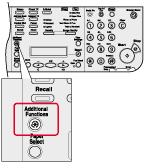 |
 |
|
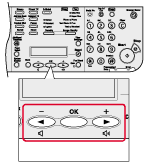 |
|
|
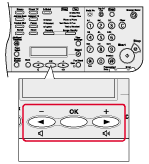
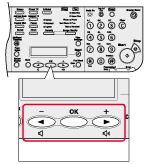
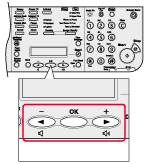
 ] or [
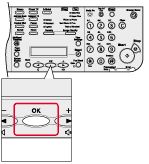
 ] to select <TX/RX SETTINGS>, then press [OK].
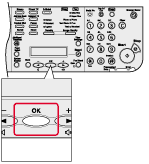 |
|
|
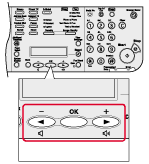 |
|
|
 |
|
|
 |
|
|
 |
|
|
 |
|
|
 |
|
|
 |
|
|
 |
|
|
 |
|
|
 |
|
|
 |
|
|
 |
|
|
 |
|
|