



| Setting a Password for the Address Book |
|
If you set a password, the screen for entering the password appears when you attempt to edit the Address Book. |
| Remark |
|
 |
|||||
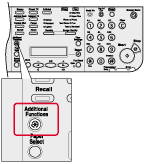 |
|
|
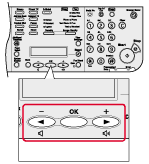 |
|
If the System Manager ID and System Password have been set, enter the System Manager ID and System Password using the numeric keys, then press [Log In/Out (ID)]. |
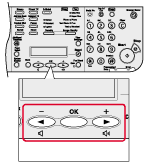
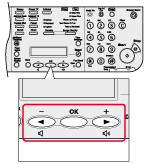
 ] or [
 ] to select <SYSTEM SETTINGS>, then press [OK].
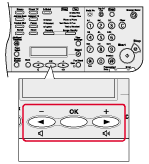 |
|
|
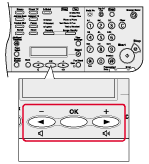 |
|
|
 |
|
|
 |
|
|
 |
|
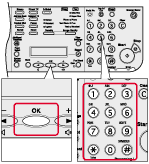
If you enter a wrong password, you have to start over from the first entry. |
 |
|
|