

0WR6-0KS
Follow the procedure described in this section to replace the staple cartridge in the stapler unit for the optional Staple Finisher-X1/Booklet Finisher-X1.
1
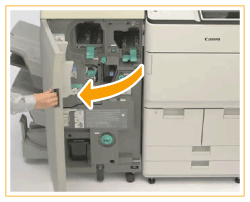
Open the front cover of the finisher.
2
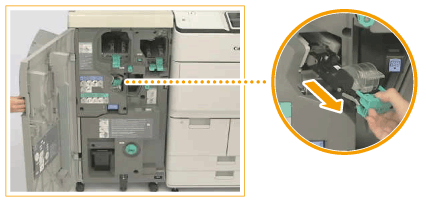
Pull out the staple case from the stapler unit.
Hold the green lever of the staple case, and pull it out straight toward you.
3
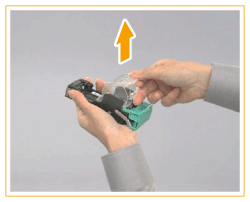
Remove the empty staple cartridge from the staple case.
4
Take out a new staple cartridge from the box.
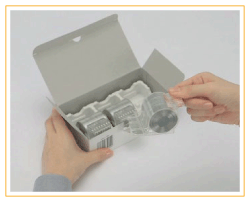
IMPORTANT:
Remove the seal that holds the staples together after you place the staple cartridge into the staple case.
5
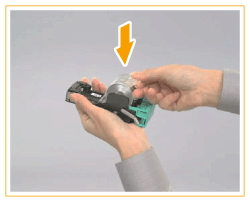
Insert the new staple cartridge.
6
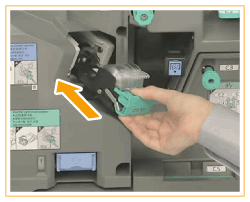
Hold the green lever, and push the staple case back into the stapler unit until it is securely in place.
7
Close the front cover of the finisher.
