Remote UI > Import/Export Function > Saving Paper Information Settings in files (Export)

*
Saving Paper Information Settings in files (Export)

Return to Overview


You can store Paper Information Settings as a file in your computer.


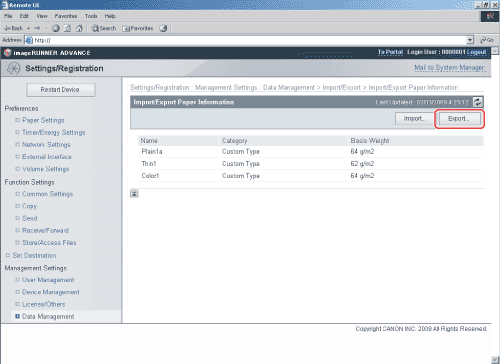
  1. Click [Settings/Registration] → [Data Management] from the menu that appears under Management Settings → [Import/Export] → [Paper Information] → [Export].

  1. Select the paper information category → click [Start Exporting].

Details of each item are shown below.

[Category]: Select the category of paper information to save to a file using the [Category] drop-down list.
  1. Click [Save] → follow the instructions on the screen to specify the location to save the file.

  • Back To Top