Remote UI
> Import/Export Function
> Saving the Printer Settings

| Saving the Printer Settings |
|
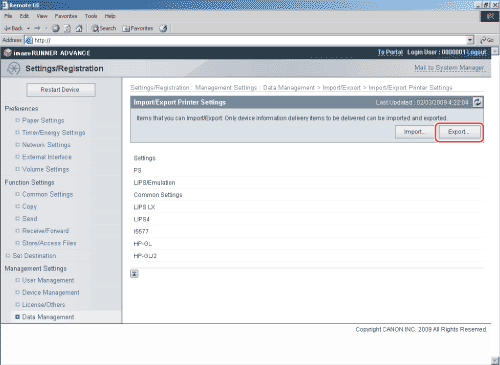
You can store the Printer Settings as a file in your computer. |
|
|
|






| Saving the Printer Settings |
|
You can store the Printer Settings as a file in your computer. |
|
|
|