





Remote UI
> Import/Export Function
> Saving Settings/Registration Settings in Files (Export)

| Saving Settings/Registration Settings in Files (Export) |
|
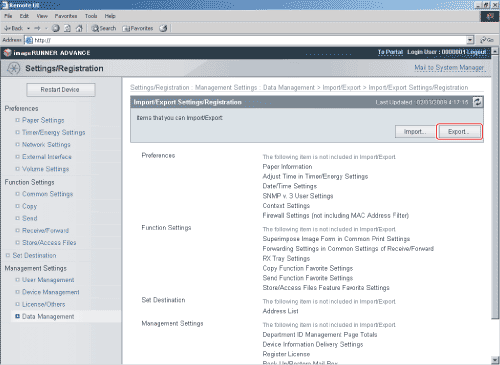
You can store Settings/Registration settings as a file in your computer. You can import stored data between imageRUNNER ADVANCE C9075 PRO/C9065 PRO/C7065/C7055 machines with the same optional products attached. |
|
|
|