





MEAP
> Menu for Administrator
> Setting the Security for SSO-H
> Setting Password Restrictions
> Setting the Password Expiration Period

| Setting the Password Expiration Period |
|
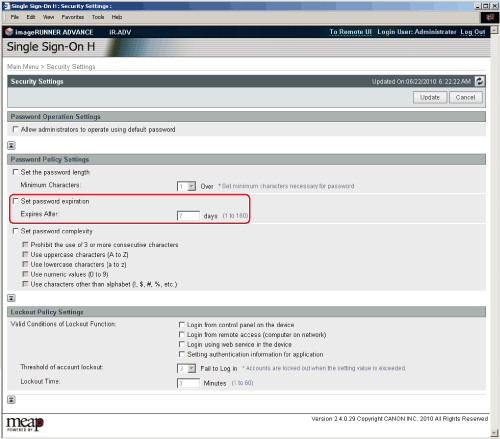
You can set a password expiration period to force users to periodically change their password, in order to prevent the simplification of passwords. |
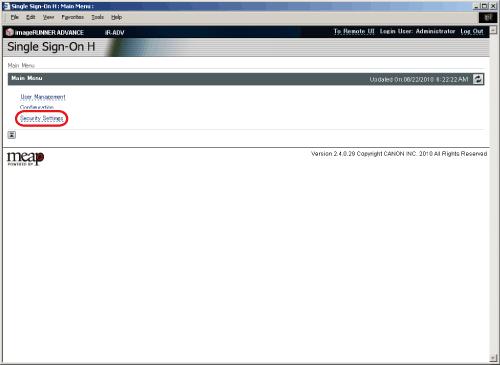
The [Security Settings] page is displayed. |
|
|