MEAP
> Menu for Administrator
> Setting the SSO-H
> Setting the User Group to Register the Domain Administrator

| Setting the User Group to Register the Domain Administrator |
|
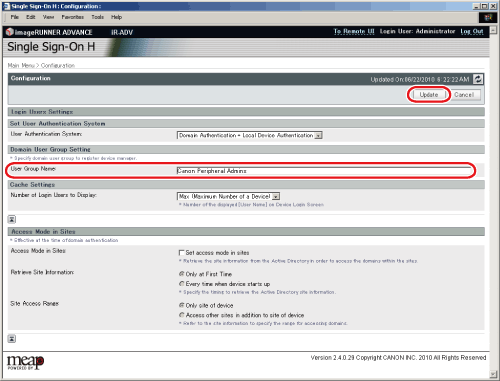
"Canon Peripheral Admins" is set in advance as the user group of the System Administrator (Administrator). Users that belong to this group can use the administrator menu as the System Administrator (Administrator). If you want to change the group that the System Administrator (Administrator) belongs to, change this setting. |
| Remark |
|
 |
|||||
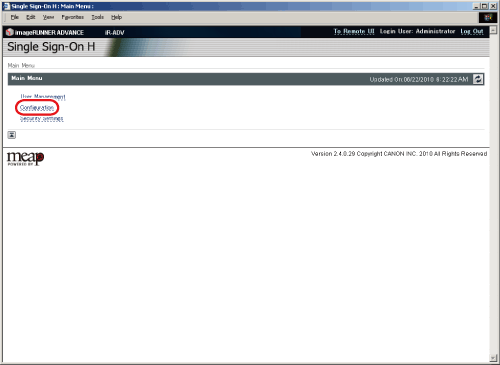
The [Configuration] page is displayed. |
|