| Changing the Password |
|
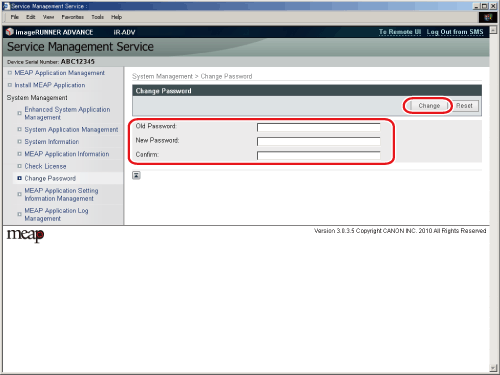
You can change the SMS password. |
| Remark |
|
 |
|
||||
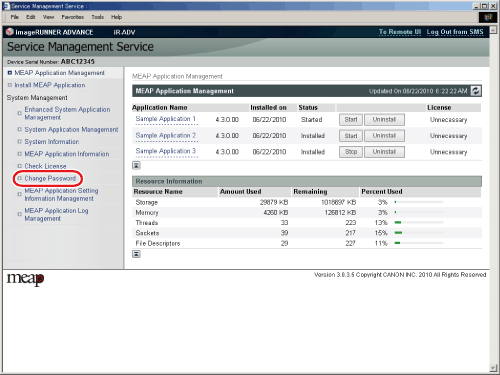
The [Change Password] page is displayed. |
A page indicating that the password change is complete is displayed. |






| Changing the Password |
|
You can change the SMS password. |
| Remark |
|
|
|
||||
The [Change Password] page is displayed. |
A page indicating that the password change is complete is displayed. |