MEAP
> Starting/Stopping System Applications
> Stopping System Applications

| Stopping System Applications |
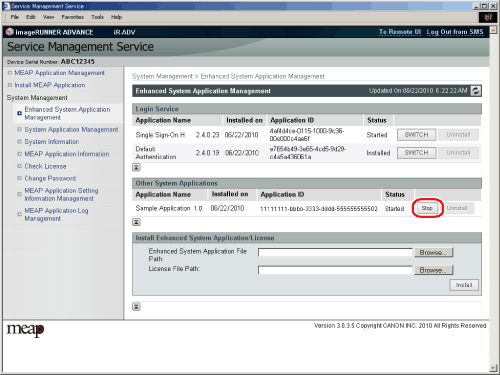
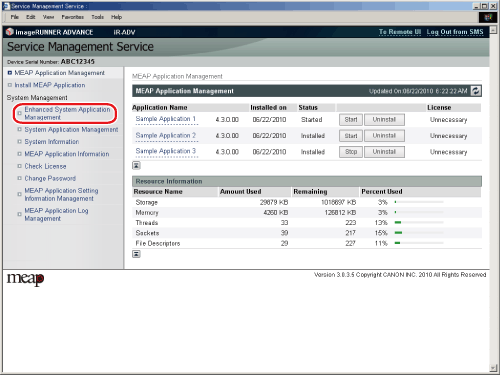
The page where you can specify various settings, such as system applications and login services, is displayed. |
If the application has stopped correctly, the status of the specified system application is 'Stopped'. |