| Confirming/Setting Application Preferences |
|
You can confirm the details of installed applications. |
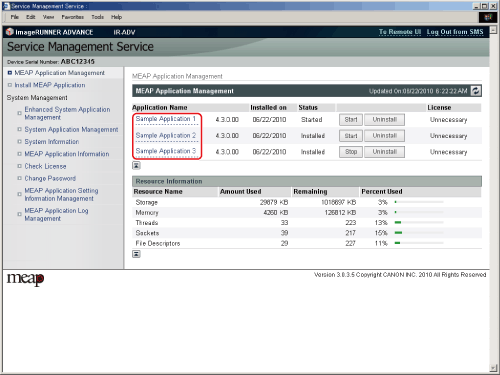
The [MEAP Application Management] page is displayed. |
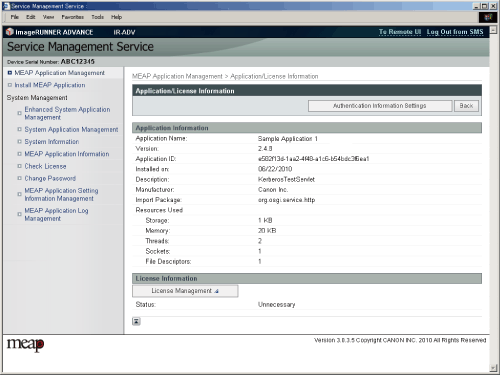
The [Application/License Information] page is displayed.
|






| Confirming/Setting Application Preferences |
|
You can confirm the details of installed applications. |
The [MEAP Application Management] page is displayed. |
The [Application/License Information] page is displayed.
|