MEAP > Overview of Login Services > Default Authentication (Department ID Management) > Login Screens > Web Browser

*
Web Browser

Return to Overview


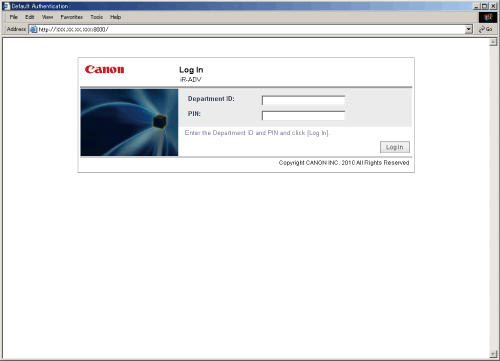
  • If Department ID Management is set to 'On':
  • Enter a Department ID/PIN or System Manager ID/System PIN to log in to the Remote UI or a MEAP application (including login applications).


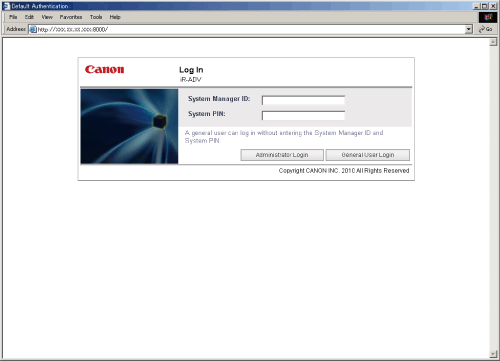
  • If Department ID Management is set to 'Off' and System Manager Settings are set:
  • Enter the System Manager ID/System PIN, and click [Administrator Login] to log in to the Remote UI or a MEAP application (including login applications).
    General user should click [General User Login] to log in.


Remark
  • General user may not be able to log in to some MEAP applications.
  • It is not necessary to enter a Department ID/password when logging in as a general user.
  • If [Department ID Management] is set to 'Off' and System Manager Settings are not set, a login screen is not displayed, and user authentication is not performed.

  • Back To Top