





Copy
> Favorite Settings
> Recalling Favorite Settings

| Recalling Favorite Settings |
|
|
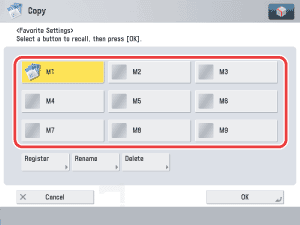
 is displayed on the left side of the button.
If you select a button that does not have settings registered in it, [OK] is grayed out and you cannot press it. You can select another button that has copy settings registered in it, or press [Stop].
|