





Copy
> Making a Copy With the Express Copy Basic Features Screen
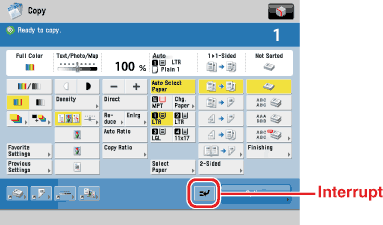
> Interrupting the Current Job to Make Priority Copies (Interrupt Mode)

| Interrupting the Current Job to Make Priority Copies (Interrupt Mode) |
|
For instructions on this procedure using the Regular Copy Basic Features screen, see "Interrupt Mode." |
If you want to make copies after changing the Department ID while Department ID Management is enabled, press |
 (Log In/Out) → enter the Department ID and PIN using
  -
-  (numeric keys). (See "
|