Copy
> Making a Copy With the Express Copy Basic Features Screen
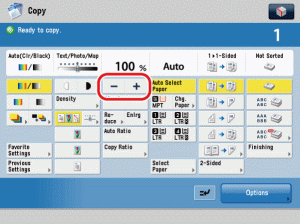
> Specifying the Copy Ratio by Percentage (Zoom by Percentage)

| Specifying the Copy Ratio by Percentage (Zoom by Percentage) |
|
For instructions on this procedure using the Regular Copy Basic Features screen, see "Zoom by Percentage." |
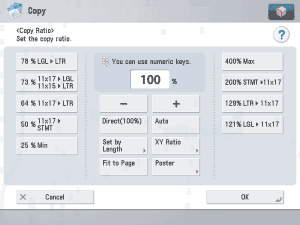
To return the copy ratio to 100%, press [Direct(100%)]. By pressing [Copy Ratio], you can also use the numeric keys to enter the copy ratio.
|