| Operating the Express Copy Basic Features Screen |
|
This section describes cautions to take when making a copy using the Express Copy Basic Features screen.
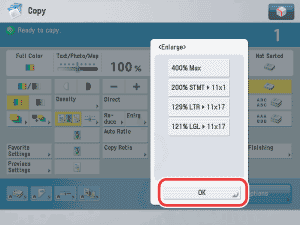
Pop-up displays appear on the Express Copy Basic Features screen when you press certain keys. Press [OK] to close the pop-up displays.
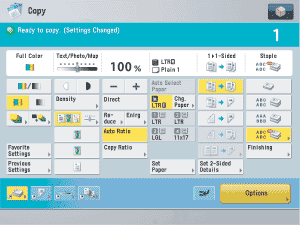
Keys for modes which cannot be used in combination with a selected copy mode are grayed out.
|