





Copy
> Two-Sided Copying
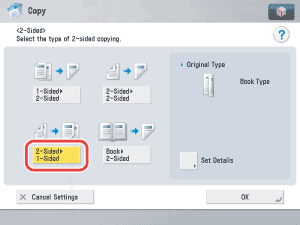
> 2-Sided to 1-Sided

| 2-Sided to 1-Sided |
|
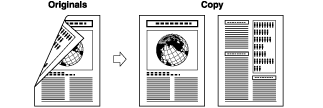
This feature scans both sides of originals that are placed in the feeder and make one-sided copies on different sheets of paper.
|
| Remark |
|
 |
|
||||
 1-Sided copying. (See "
|
To set the orientation of the originals, press [Set Details] → select the orientation of the originals → press [OK]. Details of each item are shown below.
|
|
|
 (Start).